
Clothing brands
Launch a label with a catalog, lookbook sections, and size runs — not a marketplace listing.
Fashion ecommerce
Launch a modern fashion store with built-in inventory, product variants, size and color options, secure checkout, and mobile-first storefronts. Everything you need to sell clothing online without managing plugins or infrastructure.
Selling fashion online is different from selling general products. Shoppers compare fit, fabric, and photos in seconds — then expect the right size to be in stock at checkout. A fashion ecommerce website builder has to handle variants, galleries, and inventory together, not as three plugins that break after an update.
Fashion stores need:
NexCart includes these capabilities in one platform. For the broader launch path, see the online store builder guide — this page is the fashion-specific checklist.
Launch a label with a catalog, lookbook sections, and size runs — not a marketplace listing.
Run limited drops with featured products, collections, and inventory that sells out cleanly.
Curate a small catalog with editorial homepage sections and a checkout that matches the brand.
Lead with photography, compare-at pricing, and a calm product page — not a cluttered theme.
Sell by size and color with accurate stock per variant so you do not oversell a run.
Merchandise bags, jewelry, and add-ons with collections and related products on the PDP.
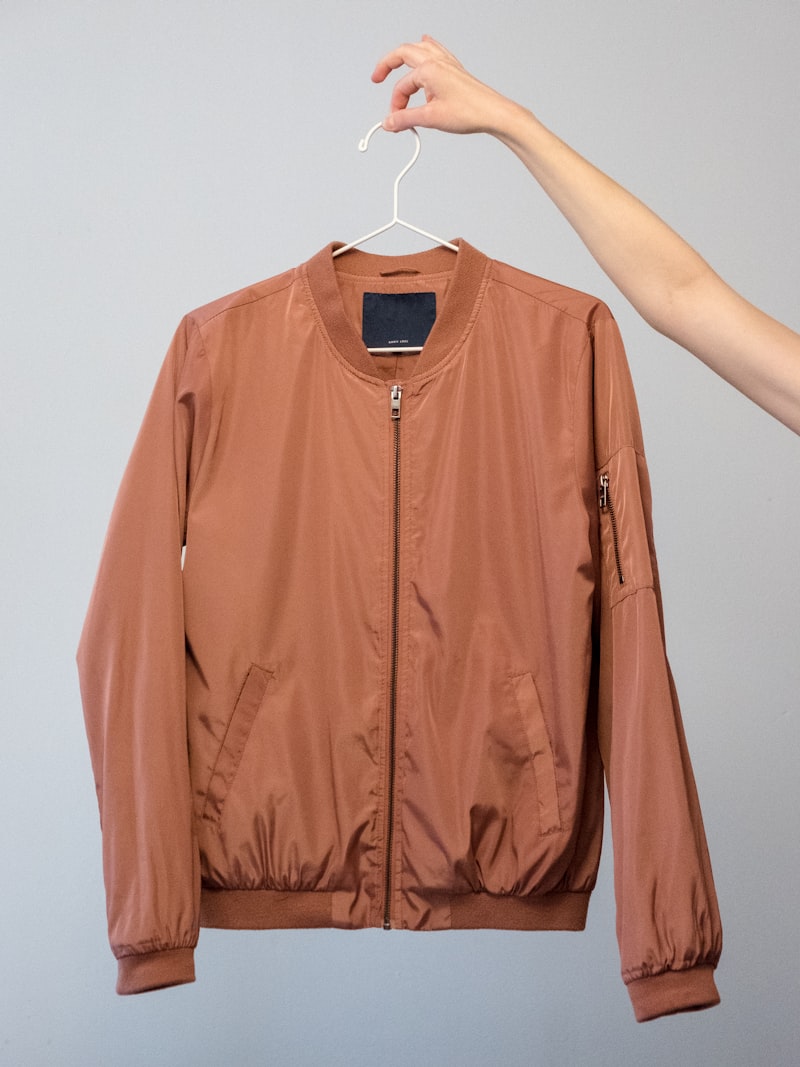
Size, color, and material combinations each get a price and quantity. Shoppers pick a variant on the product page; checkout charges the right SKU.
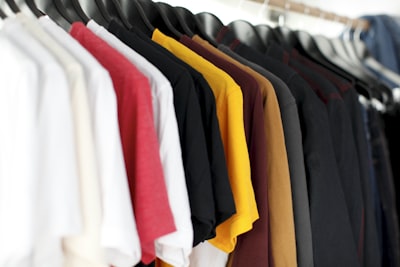
Track stock per variant, set low-stock alerts, and let counts fall when an order is paid. Hide or mark sold-out sizes instead of taking a cart you cannot fulfill.

Attach multiple photos to each product. Shoppers browse thumbnails on the product page and zoom into detail on desktop and mobile.

Create discount codes, run seasonal sales, and merchandise drops with collections and featured products on the homepage.

Product grids, cart, and checkout reflow for phones. Most fashion traffic is mobile — the buy path should not be a shrunken desktop site.
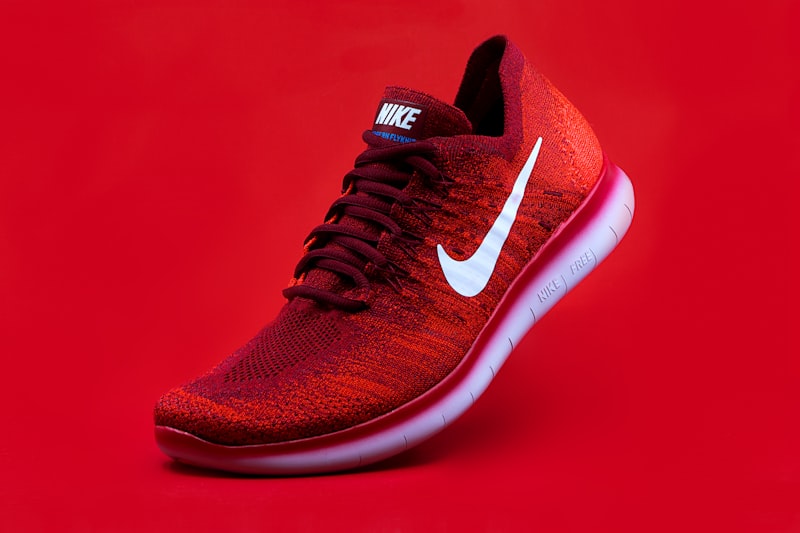
See sales, traffic, and conversion in one dashboard. Know whether a quiet week is a traffic problem or a checkout problem before you spend on ads.
Create your brand
Sign up, name the store, and pick a fashion starting template during onboarding.
Upload products
Add photos, prices, variants, and stock. Draft SKUs until photography is ready.
Create collections
Group seasonal drops, collaborations, and core lines for the homepage and navigation.
Accept payments
Enable cards, PayPal, or cash on delivery — checkout stays on your storefront.
Ship orders
Fulfill from one order record with shipping methods and customer details attached.
Grow your business
Use analytics, discounts, and SEO settings as the catalog scales — without changing platforms.
Start from an apparel layout, then replace the demo catalog with your photography. The checkout and orders stack stays the same on every template.
Browse fashion templates or start free and pick a look during onboarding.
Generic website builders excel at pages. Fashion brands need a store that runs after the first paid order. Compare operating capabilities — not homepage animations.
| Capability | NexCart | Generic website builder |
|---|---|---|
| Size and color variants | Built in with per-variant stock and pricing | Manual fields or a separate variants app |
| Checkout and payments | Native cart, tax, shipping, and pay | Cart plugin or external payment link |
| Orders and fulfillment | One dashboard for paid orders | Email notifications and spreadsheets |
| Collections and merchandising | Collections, categories, and featured products | Static pages you update by hand |
| Discount campaigns | Coupon codes at checkout | No codes, or a third-party widget |
| Inventory on sale | Stock drops when the order is paid | Often manual or delayed |
| Mobile checkout | Same flow on phone and desktop | Frequently broken on small screens |
Software to sell clothing and accessories on your own website: products with size and color variants, galleries, checkout, orders, and inventory in one product — not a brochure site with a buy button.
Yes. Each size and color combination can have its own price, SKU, and stock count. Shoppers choose a variant before they add to cart.
Yes. Use collections and featured products for a drop, track inventory per variant, and hide SKUs when a size sells out.
Yes. Fashion storefronts, product pages, cart, and checkout are built to work on phones and tablets.
Yes. Create coupon codes and merchandise seasonal collections from the dashboard. Discounts apply during checkout.
Upload multiple images per product. The storefront shows a gallery on the product page; shoppers can zoom into photos on supported devices.
Yes, when inventory tracking is enabled on a variant. Stock updates when an order is paid, and you can set low-stock thresholds.
No. Choose a template, add products, connect payments, and publish from the dashboard. Custom code is optional.
Starter is free with catalog, checkout, orders, and a NexCart subdomain. See pricing for what is included before you upgrade.
A page builder is for content. A fashion ecommerce website builder includes variants, inventory, checkout, and orders — the operating work after someone buys a size medium.
Start on a free NexCart subdomain, then connect your brand URL when you are ready to sell under it.
Read the online store builder guide for the full launch path, then come back here for the fashion-specific checklist.
Online store builder
The NexCart guide to creating an online store — what to look for, how to launch, and how builders compare.
Grocery ecommerce website builder
Sell food and pantry online with pack sizes, categories, pickup, shipping rules, and inventory in one platform.
Features
Variants, inventory, checkout, orders, and analytics in one product.
Pricing
Starter is free. No NexCart transaction fee on card sales.
Fashion templates
Apparel starting layouts on the templates page.
Start free. Add products, connect payments, and publish when checkout is ready.
Start free