
Neighborhood grocery
Run a dense catalog with clear prices, local delivery or pickup, and stock that reflects what is on the shelf.
Grocery ecommerce
Launch a grocery or specialty food store with pack sizes, category browsing, shipping minimums, local pickup, inventory, and mobile checkout. Everything you need to sell food online without stitching together plugins.
Selling food online is not the same as selling a single SKU from a landing page. Shoppers compare pack sizes, scan categories quickly, and expect checkout to respect delivery minimums or pickup. A grocery ecommerce website builder has to connect catalog, inventory, and fulfillment — not three tools that disagree after you update prices.
Grocery and specialty food stores need:
NexCart includes these capabilities in one platform. For the broader launch path, see the online store builder guide — this page is the grocery-specific checklist.
Run a dense catalog with clear prices, local delivery or pickup, and stock that reflects what is on the shelf.
Merchandise olive oil, spices, and small-batch goods with categories — not a single long product list.
Sell bundles and staples together. Collections make it easy to promote weekly restock items.
Publish a catalog between market days. Unpublish or mark sold out when a batch is gone.
Sell by bag size or bottle count with variants. Show weight or volume on the product page.
List SKUs with photos, pickup or delivery methods, and fulfillment from one order dashboard.
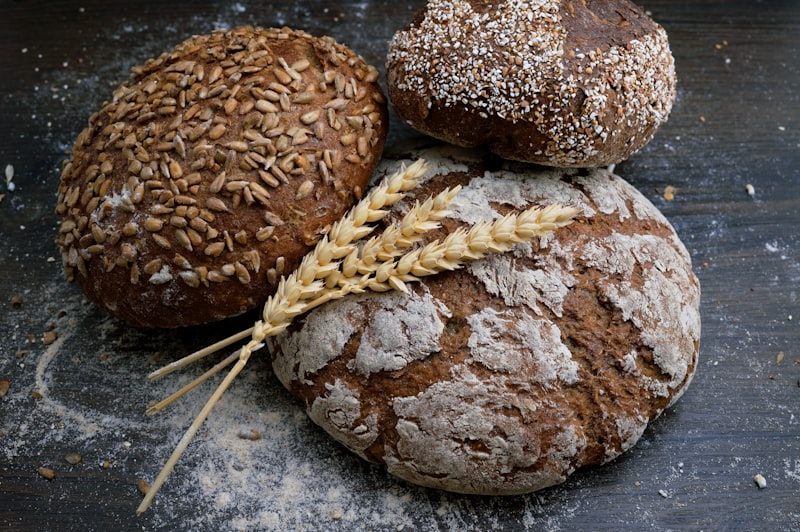
Sell 500g and 1kg, single bottles and cases, or flavor combinations as variants. Each option can have its own price, SKU, and stock count.
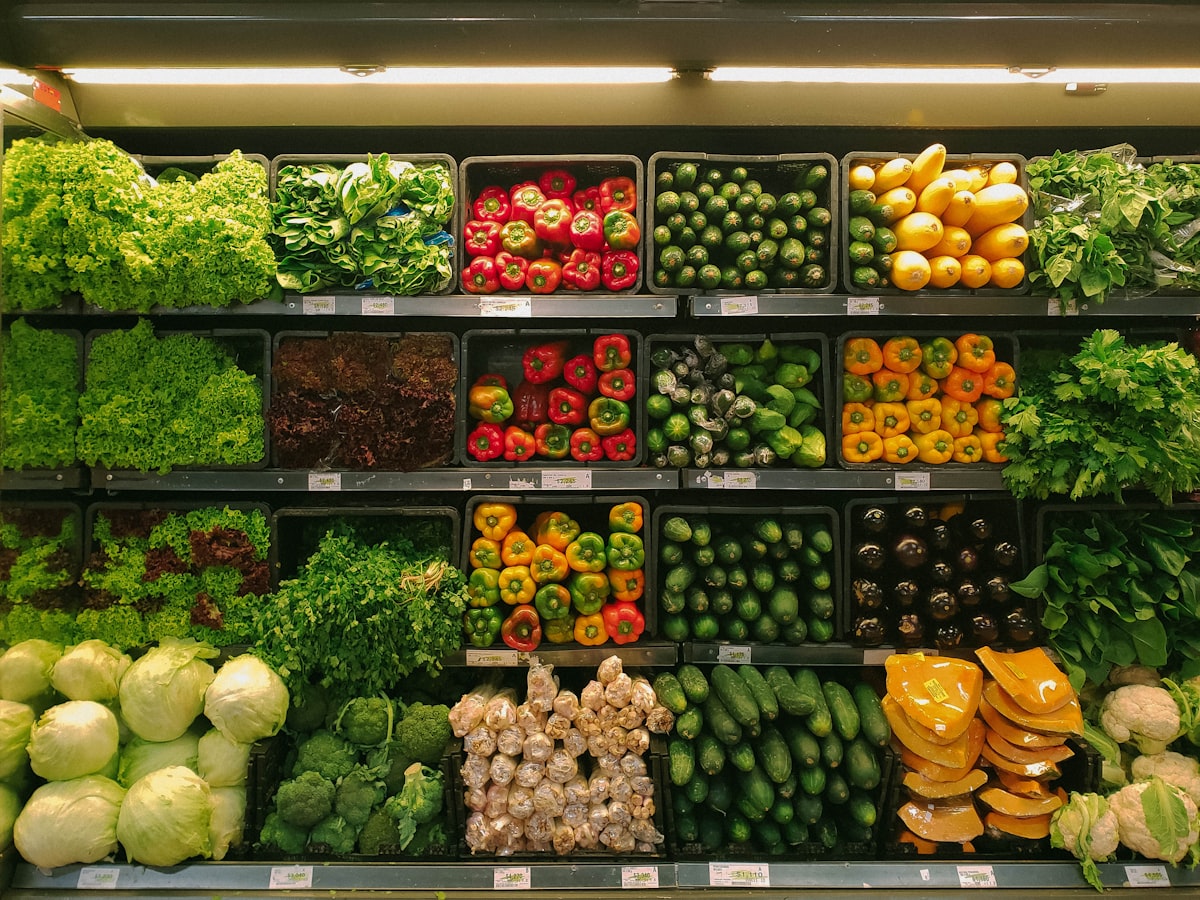
Group pantry, beverages, snacks, and seasonal items into categories shoppers can browse. Use collections for weekly staples or regional drops on the homepage.

Track quantities per product or variant. Stock falls when an order is paid, low-stock alerts flag what to reorder, and sold-out items can stay hidden until you restock.
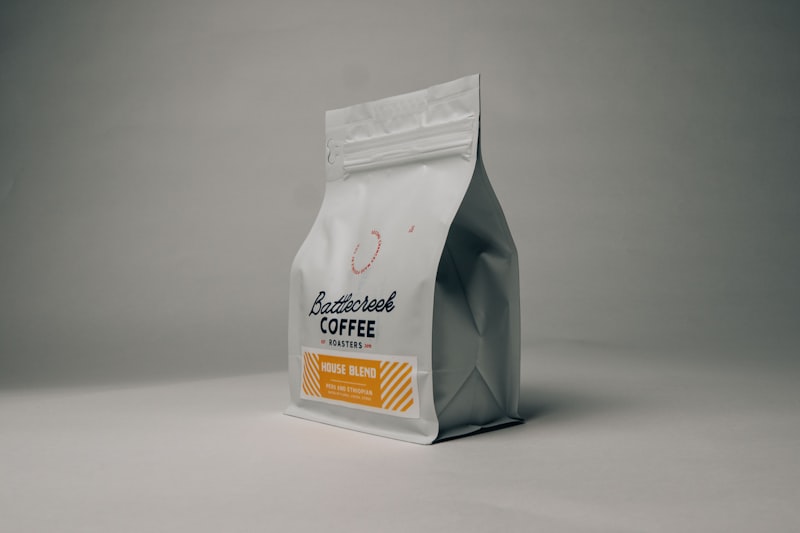
Create named shipping methods with flat rates and minimum order amounts. Offer pickup at a location when local collection is part of your model.
Most grocery reorders happen on a phone. Product grids, cart, and checkout are built for small screens — not a desktop catalog you have to pinch.

Customer accounts keep order history in one place. Run discount codes for return buyers and merchandise restock collections when pantry items run low.
Create your store
Sign up, name the business, and pick a food or grocery starting template during onboarding.
Add products
List pack sizes, weights, prices, and photos. Use variants when the same item sells in more than one size.
Organize categories
Build aisles with categories and weekly collections so shoppers find staples quickly.
Set shipping and pickup
Add flat-rate delivery, minimum order amounts, or pickup — whatever matches how you fulfill.
Accept payments
Enable cards, PayPal, or cash on delivery. Checkout stays on your storefront.
Fulfill and restock
Fulfill from one order record, adjust inventory, and promote the next collection when stock returns.
Start from a pantry-style layout with dense product grids, then replace the demo catalog with your SKUs. Checkout, orders, and inventory stay the same on every template.
Browse food and grocery templates or start free and pick a look during onboarding.
Generic website builders excel at pages. Grocery operators need a store that runs after the first paid order — with pack sizes, minimums, and stock that match what you can actually fulfill.
| Capability | NexCart | Generic website builder |
|---|---|---|
| Pack size variants | Built in with per-variant stock and pricing | Manual product duplication or custom fields |
| Category browsing | Categories, collections, and search | Blog-style pages or manual menus |
| Shipping minimums | Per-method minimum order amounts | Often unsupported without custom code |
| Local pickup | Pickup as a shipping method | Phone orders or a separate form |
| Inventory on sale | Stock updates when the order is paid | Manual spreadsheet updates |
| Checkout and payments | Native cart, tax, shipping, and pay | Payment link or cart plugin |
| Customer order history | Accounts with past orders | Email receipts only |
Software to sell food, pantry, and specialty goods on your own website: products with pack sizes, categories, checkout, orders, shipping, pickup, and inventory — not a menu PDF with a contact form.
Yes. Use variants for different weights, counts, or pack sizes. Each variant can have its own price, SKU, and stock.
Yes. You can offer pickup as a shipping method and manage pickup locations from the dashboard when that fits your store.
Yes. Shipping methods support minimum order amounts so you can require a basket size before local delivery applies.
Group products into categories — pantry, beverages, snacks, and more. Shoppers browse by aisle; you can also run collections for weekly specials.
Yes, when inventory tracking is enabled. Stock decreases when an order is paid, and you can set low-stock thresholds.
Customers with accounts can view order history. You can merchandise repeat-purchase items with collections and discount codes for return buyers.
NexCart tracks stock quantities, not expiry dates on the label. Many merchants unpublish seasonal items or mark variants sold out when a batch is finished.
Yes, where you enable it. Cards and PayPal are also supported alongside delivery or pickup methods.
No. Choose a food template, add products, configure shipping, connect payments, and publish from the dashboard.
Starter is free with catalog, checkout, orders, and a NexCart subdomain. See pricing before you upgrade.
Read the online store builder guide for the full launch path, then use this page as the grocery-specific checklist.
Online store builder
The NexCart guide to creating an online store — what to look for, how to launch, and how builders compare.
Fashion ecommerce website builder
Sell clothing online with variants, galleries, collections, and checkout built for apparel brands.
Features
Catalog, checkout, orders, shipping, pickup, and inventory in one product.
Pricing
Starter is free. No NexCart transaction fee on card sales.
Food templates
Pantry and grocery starting layouts on the templates page.
Start free. Add products, set shipping or pickup, and publish when checkout is ready.
Start free